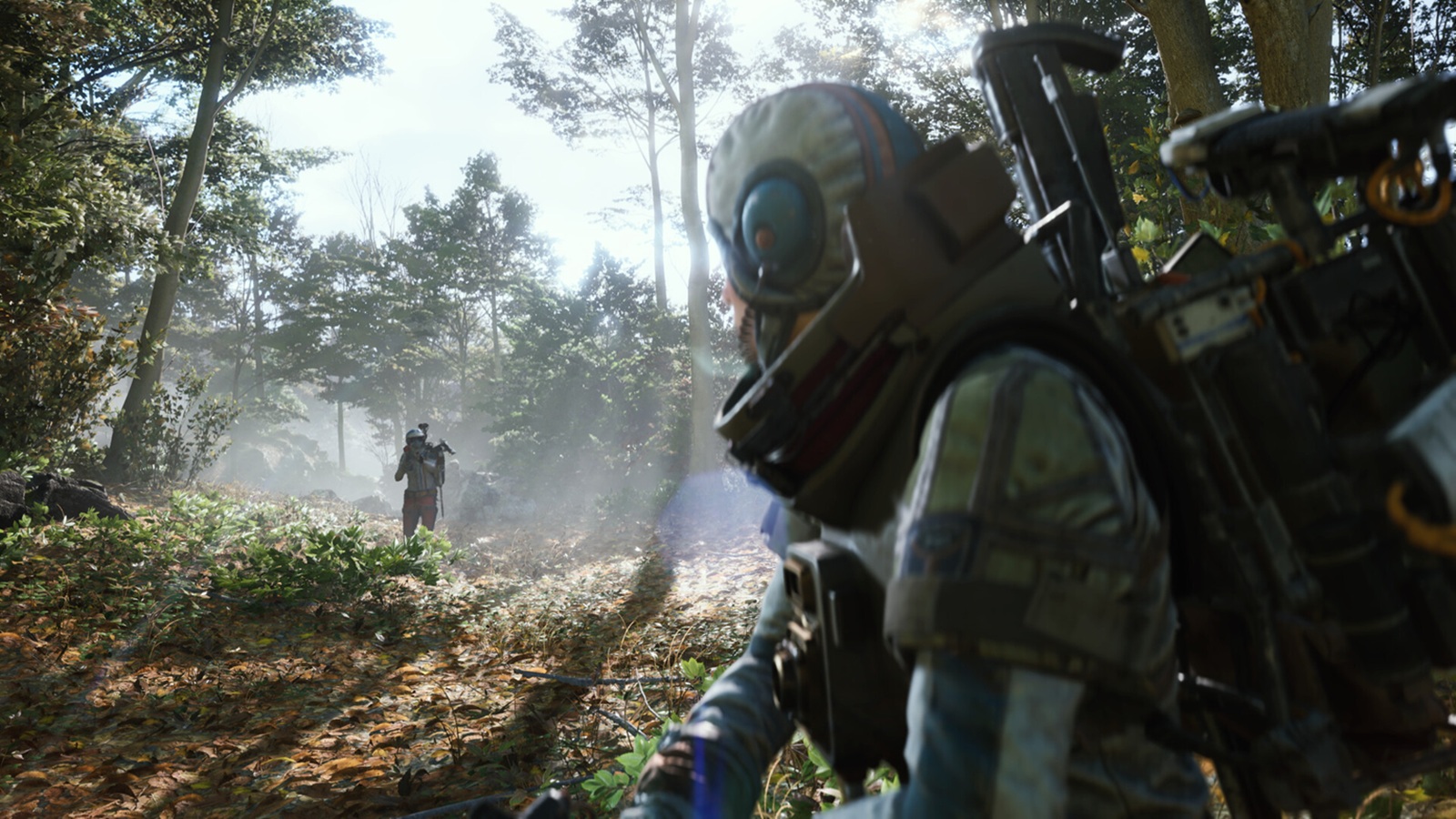
Embark Studios is about to release its new rustic sci-fi extraction shooter, **ARC Raiders**, and recently invited journalists, including myself, to join a multiplayer session to get a firsthand look at what the game has to offer.
### A Thrilling Looting System
Playing a pre-release version of ARC Raiders on PC, I was genuinely impressed by the game’s compelling looting mechanics. The system encourages you to loot just enough while weighing your odds and risks. You must choose whether to engage with other players or the environment and then make a daring escape with as much loot as you can carry.
—
### Setting the Scene: A Ruined World
ARC Raiders is set in a world where the very robots humanity built have turned on their creators, forcing people to live underground. The surface has been decimated and is heavily patrolled by deadly machines programmed to eliminate humans on sight. Yet, despite the danger, the surface holds vital scrap and parts that those living underground desperately need to survive.
To gather these resources, brave scavengers known as Raiders venture to the surface, risking their lives to collect any useful materials and bring them back. But beware—it’s every Raider for themselves. Sharing is rare, and ambushing a greedy stranger could net you better rewards.
—
### Gameplay Overview
For the preview, I experienced both solo and group play. ARC Raiders is a third-person shooter that drops you into a map populated with loot zones of varying tiers—low, medium, and high. Your mission is to grab the highest-value loot your backpack can hold and race to the escape point.
Standing in your way are hostile humans, robotic enemies, and other Raiders, all competing for the same resources. The game features an in-game proximity voice chat, allowing players to negotiate alliances or betray one another at a moment’s notice. Trust is a risky gamble when anyone can shoot you in the back.
—
### Intense and Varied Enemies
Robots come in many forms, from small drones scanning the area to formidable foes that appear if you make too much noise. We encountered spider-like, automobile-sized hoppers that could leap great distances, as well as larger floating drones armed with rocket launchers—engaging these was always a last resort.
—
### Teamwork Options and Escape Routes
If solo play isn’t your style, ARC Raiders supports group play. I joined a trio round where we coordinated our search across multiple regions and gathered some impressive loot before making our escape.
Maps are diverse and offer multiple extraction methods. The standard escape involves activating an elevator that takes about ten seconds to open, during which loud noises attract enemies and rival Raiders alike. Some maps feature keys hidden around the area that unlock alternate exit hatches, providing different tactical options.
Exploring derelict towns, factory districts, and wilderness areas made the maps enjoyable and encouraged strategic looting decisions based on risk versus reward.
—
### Progression, Crafting, and Risk
Ultimately, loot is the core of ARC Raiders. Regardless of your success, you earn experience points that let you level up and improve your Raider with upgrades to health, looting speed, weapon handling, and more through a robust skill tree.
Back at the hub, you can use gathered loot to progress quests, advance storylines, and improve your crafting and supply lines. However, death in the field means losing everything you carried.
Luckily, crafting lets you quickly replenish your gear with new weapons and personal shield devices. Additionally, there’s a “Free Gun Kit” option that equips you with a random set of gun, shield, and backpack upon respawn, so you can jump back into the fight without worry.
—
### The High-Stakes Thrill of Extraction
Guns can be upgraded by finding higher-tier weapons and attachments, but losing them due to an untimely death adds a layer of tension. During one run, I amassed a sizable haul only to be ambushed just moments before confirming my escape—a frustrating but exhilarating experience. Of course, successfully pulling off an ambush yourself brings its own rush of excitement.
—
### Final Impressions
ARC Raiders impressed me with many elements I look for in an extraction shooter. Embark Studios has crafted a solid ecosystem that supports a variety of playstyles. Whether you’re stealthy and cautious or bold and aggressive, the game rewards your approach in meaningful ways.
Good gunplay, diverse maps, and the intense thrill of escaping with valuable loot combine to create an engaging third-person shooter experience. If ARC Raiders resonates with players upon launch, Embark Studios may have a true contender on their hands.
—
### Release Information
These impressions are based on an early PC build provided by the publisher. ARC Raiders is scheduled for release on **October 30, 2025**, for **PlayStation 5, Xbox Series X/S, and PC**. Keep an eye out for this exciting new extraction shooter.
https://www.shacknews.com/article/146564/arc-raiders-hands-on-multiplayer-preview